
Last updated: 2026-08-22
Design a Seoul Map Poster
A massive, exceedingly wide channel of the Han River dramatically severs the geography, separating the ancient palaces to the north from the hyper-modern, affluent high-rises of Gangnam in the south. The city grid is utterly relentless, spilling heavily into every available valley between the towering, forested mountains surrounding the basin.
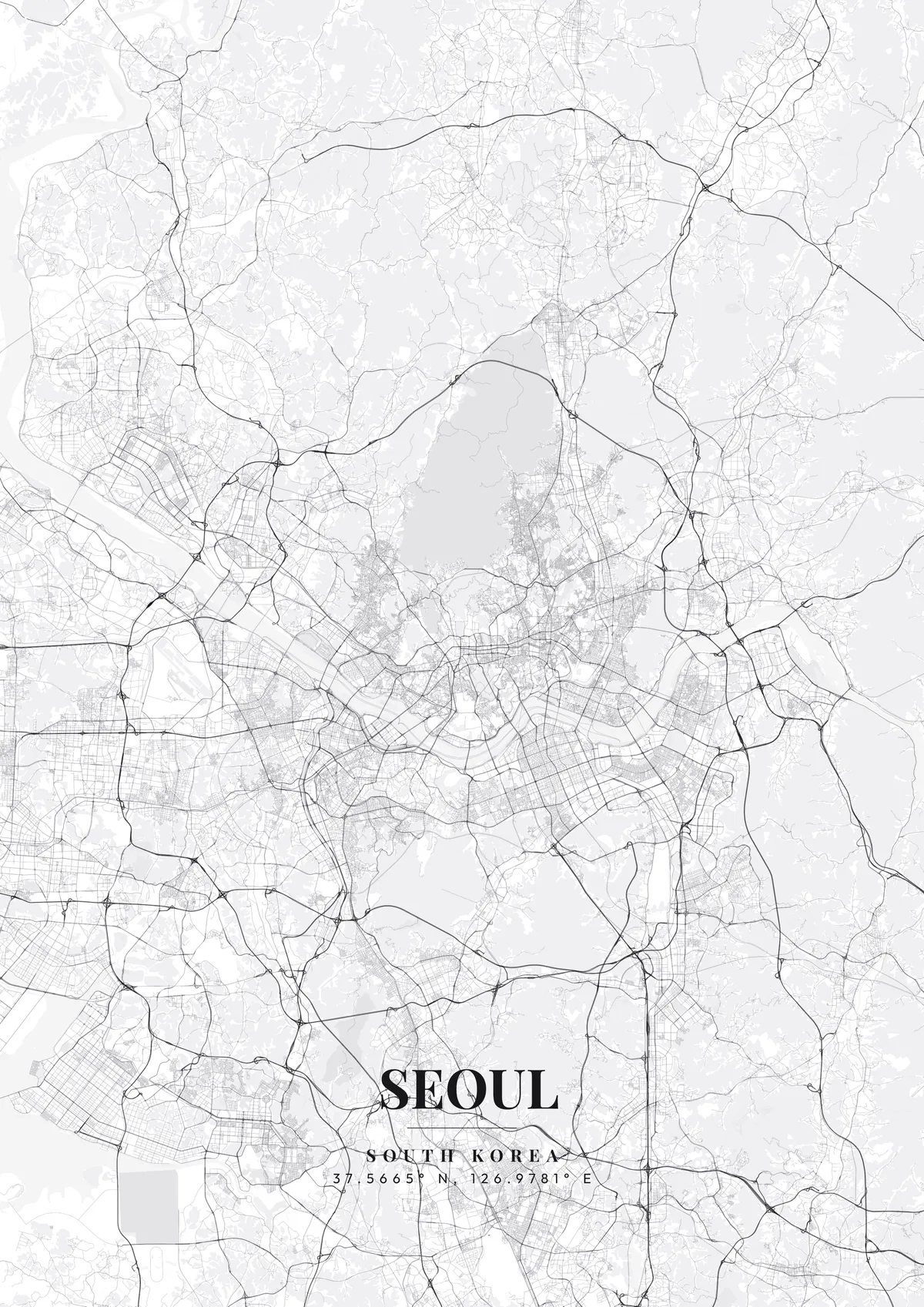
Seoul — the city's layout
A custom map poster of Seoul, South Korea turns a meaningful location into personalized wall art — completely free with MapPoster.
From the imposing gates of Gyeongbokgung Palace to the futuristic curves of the Dongdaemun Design Plaza, it is a masterpiece of contrasts. Sleek minimalist white, neon-drenched midnight blue, or high-tech metallic silver vividly embody the unstoppable momentum of this Asian tiger.
Frequently Asked Questions
What file formats can I download?
Standard downloads are PNG at 1080p. The $4.99 high-resolution export unlocks up to 7200px in PNG, JPEG, WebP, PDF, and SVG — all at 300 DPI for print.
Can I print a Seoul map poster at home?
Yes. Download your Seoul poster and print on thick matte or glossy photo paper. The standard version works well up to 8×10″. For larger prints (A3, A2, A1), use the high-resolution export and print at a local shop or online service.
How do I add text and coordinates to my Seoul poster?
Use the text overlay panel in the editor to add a title, subtitle, date, and GPS coordinates. You can change fonts, sizes, weight, and position. Seoul's coordinates are pre-filled — just toggle them on.
How do I create a Seoul map poster?
Go to mapposter.xyz, search for Seoul, pick a theme, and customize the colors and text. You can download a standard version right away, or get a high-resolution export (up to 7200px at 300 DPI) for $4.99. No account needed.