
5 Ways to Turn Your Travel Memories Into Custom Map Art
Some trips stay with you. Not the hotel or the flight, but the way a city felt when you walked through it for the first time. The street where you got lost and ended up at the best meal of your life. The coastal road that made everyone in the car go quiet.
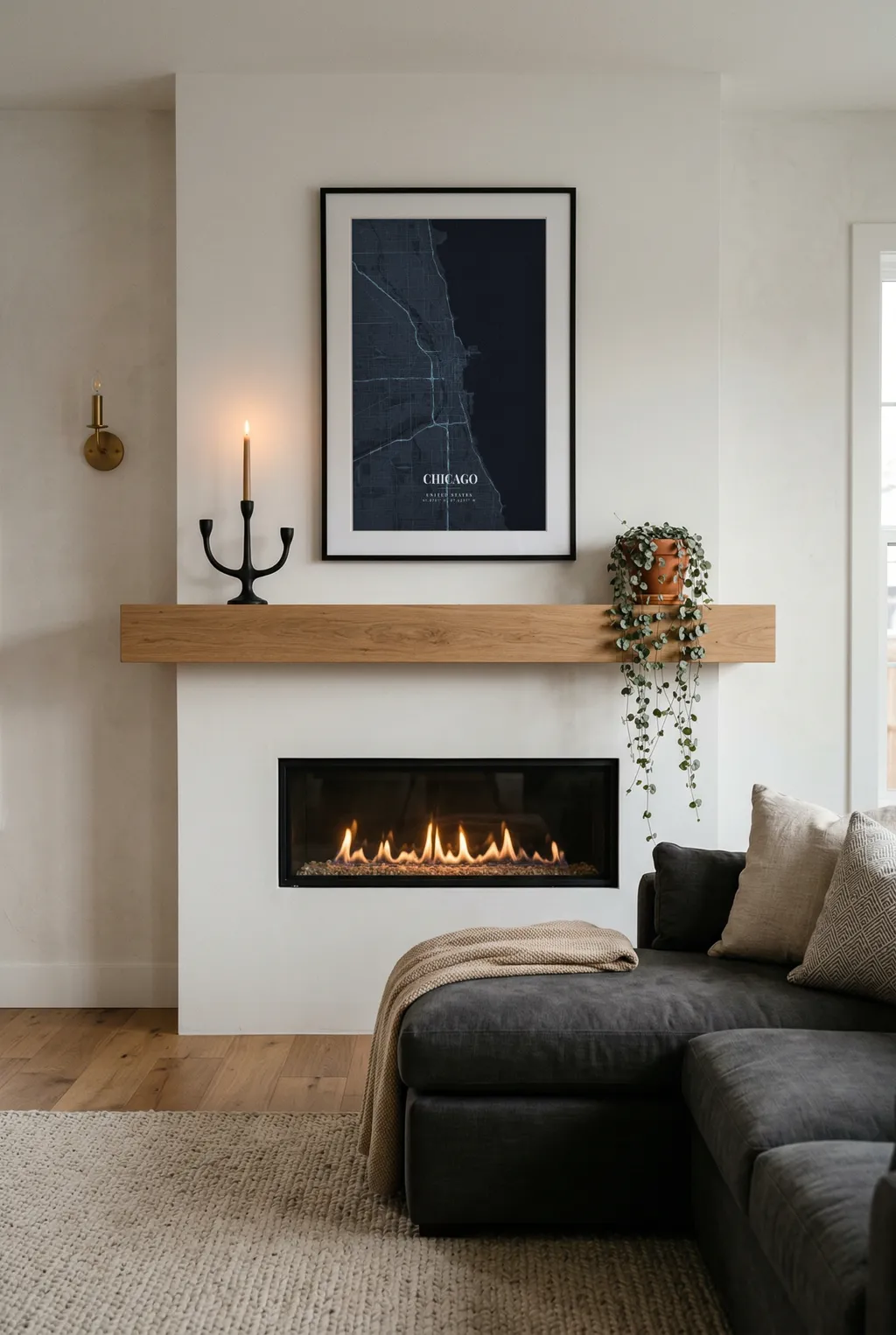
Photos capture moments. A map captures the place itself — the shape of it, the streets you wandered, the distance you covered. And unlike a photo buried somewhere in your camera roll, a map poster actually ends up on your wall where you see it every day.
Here are five ways to turn the places you've been into something worth framing.
1. The City You Explored on Foot
Every trip has a city that you really walked. Not just the tourist route — you went off-script. Side streets, local neighborhoods, that bakery you stumbled into at 7 AM.
A map poster of that city, zoomed in to the neighborhood level, captures the texture of that experience. You don't need to show the whole city. In fact, tighter is better. Crop it to the area you actually spent time in, and the poster becomes a map of your trip, not a geography lesson.
Style tip: Minimal or Dark works well for European cities with dense street networks. The lines themselves tell the story. For Southeast Asian or South American cities with more organic layouts, try Watercolor — it softens the chaos into something beautiful.
Works especially well for: Solo trips, city breaks, that one weekend that somehow became your favorite trip ever.
2. A Road Trip, Start to Finish
Road trips are about the journey, not just the destination. And MapPoster has a route feature that lets you draw the actual path on your map.
Toggle the route option, set your start and end points, and the map draws the road between them. You can drag the line to add stops along the way — that detour to the coast, the small town where you spent a night, the viewpoint where you pulled over and just sat there for twenty minutes.
The result is a poster that shows not just where you went, but how you got there. Zoom out enough to capture the full route, and you've got a visual story of the entire trip on one poster.
Style tip: Use a style with good contrast between the route line and the background. Dark theme with a bright route color makes the journey pop. Or go with Satellite if the landscape was the main character — coastlines, mountains, desert highways all look incredible from above.
Works especially well for: Couples who road trip together, family vacations, motorcycle tours, van life memories.
3. Your Running Route, Cycling Loop, or Hiking Trail
This one's for the people who measure their trips in kilometers.
Maybe you ran a half marathon in Berlin. Maybe you cycled the coast of Mallorca. Maybe there's a trail in the Alps that you think about every time you lace up your boots. That route is personal in a way that a city overview never could be.
Use the route feature to trace your path. Set the start point, set the end point, add via-points where the trail turned or where you stopped to catch your breath. The map follows actual roads and trails between your points — no straight lines, just the real shape of where you went.
Then zoom in tight. This isn't about showing the region — it's about showing your route. The poster becomes a record of something you physically did, not just somewhere you visited.
Style tip: For trail runs and hikes, Satellite or Watercolor shows the natural terrain. For urban runs, Minimal keeps it clean. Pick a route color that stands out — red or orange against a dark map, or a bold blue against white.
Works especially well for: Runners, cyclists, hikers, anyone who just completed something they're proud of.
4. A Collection of Everywhere You've Been
One poster is great. But a series? That's a statement.
Pick every city or country that meant something to you and create a poster for each one. The trick is consistency: use the same map style, the same color palette, and the same text format across all of them. When you hang them together, they become a visual timeline of your travels.
Three posters in a row above a sofa. A grid of six on a hallway wall. Each one the same style, but a completely different place. The repetition makes it feel curated rather than random.
Style tip: Minimal with a white background and black streets is the easiest to keep consistent. Dark theme also works beautifully as a series — uniform backgrounds with the unique street patterns of each city as the variable. Stick to one font, one color scheme, one vibe.
Works especially well for: Frequent travelers, couples who want to document their adventures together, anyone with a big empty wall that needs a story.
5. The Trip That Changed Everything
Some trips aren't just vacations. They're turning points.
The gap year that shifted something inside you. The honeymoon. The solo trip you took after a breakup that somehow put everything back together. The semester abroad that became the best six months of your life.
These places deserve more than a photo album. A map poster of that specific place — not the whole country, but the actual neighborhood where you lived, or the small town where it all happened — becomes a quiet reminder on your wall. Not loud or sentimental. Just there, every morning when you walk past it.
For these, spend a little extra time on the details. Get the zoom level right. Choose a color palette that feels like the place. Add text that means something to you, even if no one else would understand it.
Style tip: This is where the artistic themes shine. Paper Heritage for an old European city. Sakura Bloom for Japan. Aurora Glow for Scandinavia. Let the style evoke the feeling, not just the geography.
Works especially well for: Meaningful gifts for a partner, personal milestones, the one place you keep going back to in your mind.
How to Add a Route to Your Poster
If you want to try the route feature mentioned above, it takes about thirty seconds:
- Open MapPoster and search for your location
- In the sidebar, toggle the Route option
- Drag the A marker to your starting point and B to your endpoint
- Click anywhere on the route line to add stops along the way
- The map will calculate the actual road or path between your points
- Customize the route color to match your design
You can drag any point to adjust it. Double-click a waypoint to remove it. The route follows real roads, so it looks natural — not just a straight line between two dots.
One More Thing
The places you've been aren't just pins on a map. They're chapters. Some are short stories, some are novels. But they all left a mark.
A map poster won't bring you back there. But it does something close — it puts the shape of that place on your wall, and every time you glance at it, for half a second, you're back.